Mistfall Hunter Tools
Plan classes, tune PC settings for stutter, print checklists, and verify specs during launch week.
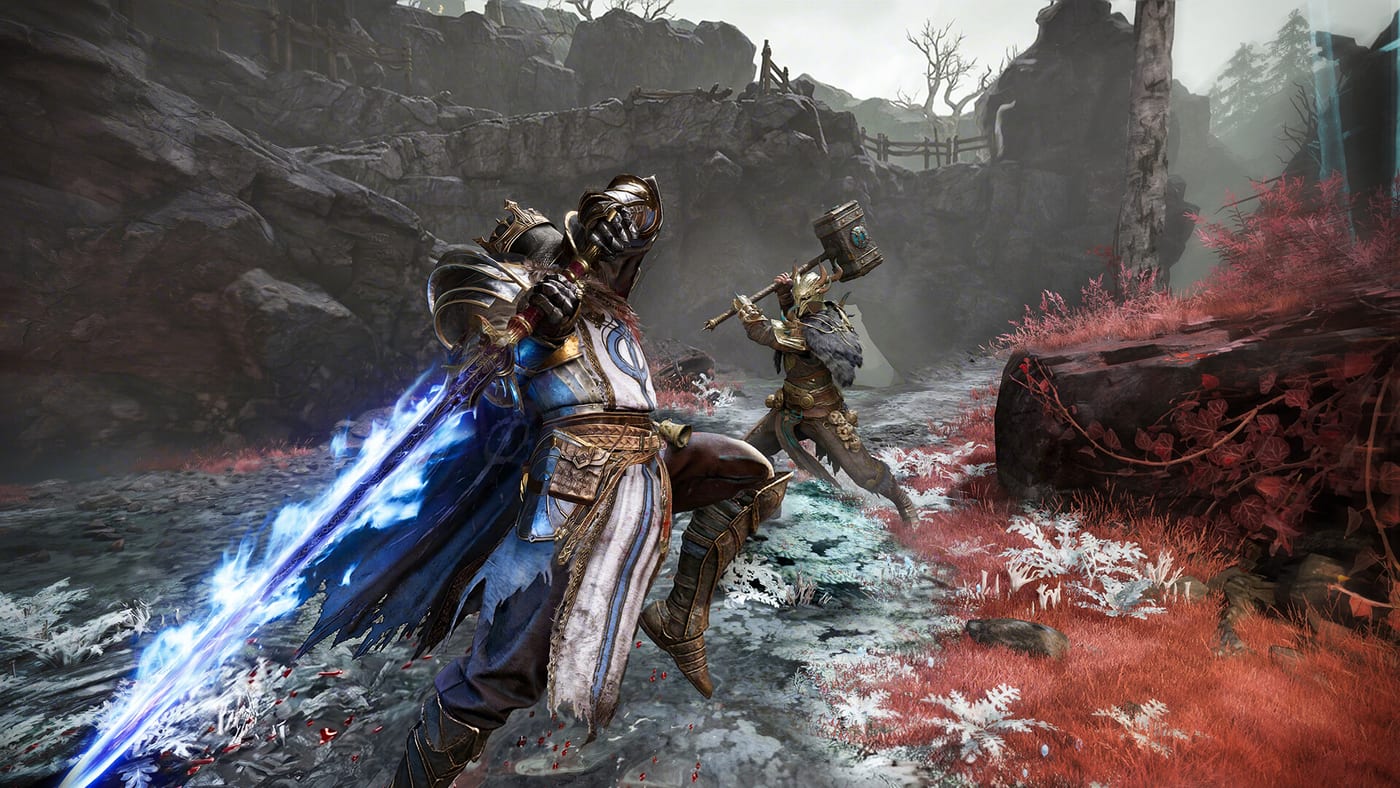
Tools on this wiki are built for planning, not for replacing in-game menus. Mistfall Hunter is a PvPvE extraction ARPG where a bad class choice or a forgotten extraction step can cost an entire run’s Gyldenblod haul. The pages here help you compare the six launch classes, walk through a repeatable pre-run and mid-run checklist, tune PC settings for launch-week stutter, and confirm whether your PC meets the Steam listing.
These utilities complement the written guides rather than duplicate them. Read Getting Started for the full loop, pair How to Extract with the checklist when you are learning portal timing, and use Builds after you settle on a class and stance pairing.
What each tool covers
| Tool | Best for |
|---|---|
| Class Picker | Choosing Mercenary, Sorcerer, Blackarrow, Shadowstrix, Seer, or Withered Knight before you lock a main |
| Extraction Checklist | Printable steps from hub prep through Soul of Return and portal extract |
| PC Settings | Graphics presets, UE shader stutter mitigations, and launch-week performance tuning after the Jul 30 hotfix |
| System Requirements | Steam minimum and recommended PC specs, storage, DirectX 12, and anti-cheat notes |
Each child page is standalone so you can bookmark the one you need mid-session. Cross-links inside those pages point back to Classes, Returner Woodling, and Release Date when platform or timing context matters.
When to use the class picker
All six classes ship with two weapon stances you swap during combat. That depth is exciting on paper and overwhelming on your first queue. The Class Picker page explains how to weigh role, range, squad needs, and learning curve, then offers an interactive comparison you can revisit after the live meta forms on the Tier List.
Use it before you grind warehouse upgrades for a build you might abandon. If you already main one class from Open Beta, still skim the picker when patching shifts stance balance post-launch.
When to use the extraction checklist
Extraction players lose runs to small mistakes: skipping consumables, forgetting the Returner Woodling objective, or calling a portal while rivals are nearby. The Extraction Checklist breaks the run into hub prep, in-ruin priorities, boss phase reminders, and extract safety. It links directly to How to Extract and Returner Woodling for deeper tactics.
Print it or keep it on a second monitor until the loop feels automatic. Even veterans use a short checklist when trying a new class or squad composition.
When to check system requirements
Mistfall Hunter launches on Steam, PlayStation 5, and Xbox Series with cross-play. Console players can skip the PC page, but anyone on Windows should read System Requirements for the official minimum and recommended tables, 45 GB storage, DirectX 12, SSD recommendation, and Bellring Anti-Cheat kernel driver notes from the Steam store page.
Verify specs before queuing so you are not scrambling during launch week. The requirements page also points to Release Date for edition pricing and Game Pass mentions from press materials.
When to use PC settings
The July 30 stability patch mitigated area-load stutter, but Unreal Engine shader precompilation can still hitch on first zone entry per Jul 17 Steam notes. The PC Settings page collects verified graphics presets, driver tips, and launch-week workarounds. Start there if you see stutter entering new areas, then cross-check Known Issues and Patch Notes for bugs the hotfix did not resolve.
Tools versus guides and builds
Guides teach why a mechanic works. Tools give you repeatable structure. Builds tell you what to equip once you know your class. A sensible workflow:
- Skim Getting Started for the loop.
- Run the Class Picker and pick one primary stance to learn.
- Open Builds for stat and gear direction.
- Tune PC Settings if you hit stutter or crashes in launch week.
- Print the Extraction Checklist before every serious run until extracts feel routine.
- Confirm PC specs on System Requirements if you are on Steam.
Open Beta players and launch week
Roughly 430,000 players joined the Open Beta according to Games Press reporting. If that was your onboarding, you may already know bell cues and map habits, but launch clients can patch balance and death rules. Re-run the checklist for the first week of live service and watch Patch Notes for verified changelogs instead of rumor threads.
Cosmetics and some account progress may carry on the same linked platform account; tools do not replace official account linking in the launcher.
Related wiki sections
- Guides — Step-by-step extraction, controls, and boss objective articles.
- Classes — Full stance breakdowns for all six archetypes.
- Items — What to loot and what to leave during a run.
- Updates — Release timing, reviews, and post-launch patch tracking.
Pick a tool from the table above and return here whenever you add a new class alt or rebuild your PC before a major content season.
Frequently Asked Questions
Quick answers hunters ask before every run.
Which Mistfall Hunter tool should I use first?
New players should start with the Class Picker after reading Getting Started, then use the Extraction Checklist before their first serious run. PC players hitting stutter should read PC Settings; everyone on Windows should also read System Requirements.
Does PC Settings help with launch-week stutter?
Yes. The Jul 30 patch mitigated area-load hitching, but UE shader precompilation can still cause first-zone stutter. PC Settings collects verified presets and workarounds alongside Patch Notes context.
Do these tools replace in-game menus?
No. They help you plan classes, remember extraction steps, and verify PC specs. Keybinds, exact patch numbers, and live balance still come from the client and official channels.
Can I use the extraction checklist on console?
Yes. The checklist covers objectives and timing that apply on PS5 and Xbox as well as PC. System Requirements is PC-specific.
Will tools update after launch patches?
Checklist and class guidance will reflect verified changes from Patch Notes and guide updates. Interactive pickers may gain new filters as the meta develops.
Where do tools link for boss and extract help?
The Extraction Checklist ties to How to Extract and Returner Woodling guides. The hub also links Classes, Builds, and Updates for broader context.